Course Introduction
Watch this video to checkout the details and the benefits you get from this training.

Start Your Career in Master Microsoft Copilot
This course provides a complete introduction to Microsoft Copilot and how to use it across Microsoft 365 applications. You will learn how to write effective prompts, create documents, presentations, and emails, analyze data, summarize meetings, and collaborate more efficiently using AI. The course also covers Copilot Chat, Copilot Studio, responsible AI, and best practices for adopting Copilot in the workplace. It is designed for beginners with no prior AI experience.
By completing this course, you will be able to learn:
- Understand Microsoft Copilot, its features, and how it works across Microsoft 365 applications
- Write effective prompts to create, summarize, analyze, and improve content using Copilot
- Use Copilot in Word, PowerPoint, Excel, Outlook, Teams, and OneNote to improve productivity
- Organize information, summarize meetings, and generate emails, reports, and presentations with AI
- Build end-to-end workflows using Copilot across multiple Microsoft 365 applications
- Understand the basics of Copilot Studio and creating simple AI assistants
-
Apply responsible AI, governance, security, and best practices for using Copilot in the workplace
Course Curriculum
- Lab Activity - 1. Compare Copilot Web and Microsoft 365 App Responses
- Lab Activity - 2. Test Copilot Summarization, Permissions, and Grounding
- Lab Activity - 3. Create, Critique, and Correct a Policy Summary with Copilot
- Lab Activity - 4. Rewrite Emails and Test Complex Instructions with Microsoft Copilot Chat
- Lab Activity - 5. Summarize a Teams Channel, Extract Action Items, and Build a Learning Plan with Copilot Chat
- Lab Activity - 6. Design and Test 3 Reusable Prompts in Copilot Chat
- Lab Activity - 7. Create and Refine a Proposal and Executive Summary with Copilot in Word
- Lab Activity - 8. Convert a Training Outline into a 10-Slide Executive Deck Using Microsoft Copilot in PowerPoint
- Lab Activity - 9. OneNote Meeting Notes Cleanup and Action-Item Summary with Copilot
- Lab Activity - 10. Analyze a Sample Dataset with Copilot and Build Verified Excel Formulas
- Lab Activity - 11. Email Thread Summarization, Reply Drafting, and Tone Variation in Microsoft Copilot
- Lab Activity - 12. Copilot in Teams Meeting Recap and Channel Announcement
- Lab Activity - 13. End-to-End Training Program Planning and Stakeholder Communication with Copilot
- Lab Activity - 14. Advanced Scenarios, Copilot Studio, and Implementation
- Lab Activity - 15. Copilot Adoption Planning and 30-Day Habit-Building Lab

Meet Your Instructor
Experience and Expertise: Over 15 years of experience in SAP HCM and SAP SuccessFactors, with expertise in Employee Central, Time Off, Payroll, HR process automation, and employee lifecycle management.
Global Training Experience: Delivered corporate training, instructor-led workshops, and hands-on sessions on SAP SuccessFactors Employee Central, Time Off, Payroll, Recruiting, and HR best practices for global organizations.
Corporate Clientele: Trained professionals from leading organizations including Walmart, Tech Mahindra, Capgemini, PwC, SAP Malaysia, NTPC, John Deere, and other global enterprises.
Certifications: SAP HR and SAP SuccessFactors Certified Consultant with expertise in Employee Central, Time Off, Recruiting, Onboarding, and Payroll.
Diverse Technical Skills: Proficient in SAP HCM, SAP SuccessFactors Employee Central, Time Off, Payroll, Recruiting, Performance Management, workflows, integrations, data migration, and role-based permissions.
Training Methodology: Uses a hands-on, scenario-based approach with real-world HR use cases, configuration exercises, and practical labs to build implementation and support skills.
Project Leadership: Led SAP HCM and SuccessFactors implementation, configuration, migration, and end-user training projects, helping organizations streamline HR operations and employee time management.
Got Questions?
Frequently Asked Questions
When does the course start and finish?
The course is entirely self-paced. You decide when you start and when you finish.
How long do I have access to the course?
That depends on the type of Subscription you bought - Monthly or Yearly. After enrolling, you have unlimited access to this course and materials across any devices you own.
What do I get after I signup?
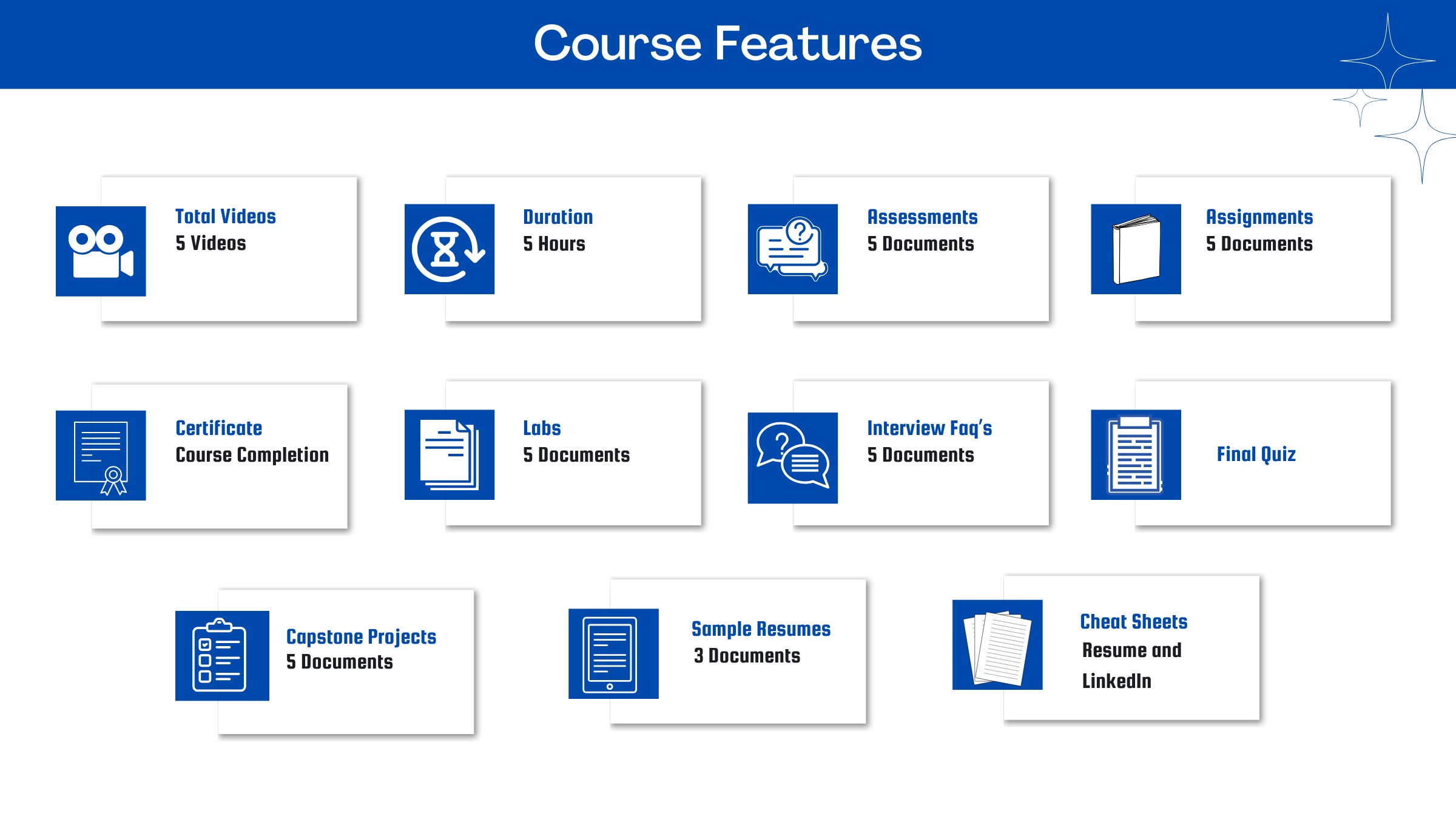
After you signup and make the payment, you will have full access to the course which includes,
1. Session Videos (these videos are from actual live sessions from the past)
2. Assignments
3. Assessments
4. Lab documents
5. Other pdfs (configuration documents, eBooks, pdfs, interview and certification FAQs)
How do I get access to practice on the Server?
Reach out to your Support team and send an email to support@zarantech.com and they will send you the details and the monthly cost for the Server (if available)
Are the videos or materials downloadable?
No, they are not. But you have unlimited access to view them from any device and on this platform depending on your Subscription type. Everything on this platform is the intellectual property of ZaranTech
How soon after I enroll and make payment would get access to the course?Immediately
What if I have doubts, whom do I ask?
These are pre-recorded videos from the actual Live Training program. Most of the doubts were cleared in the session videos itself. But if you still have any questions, please raise a ticket, and our support team will help you https://zarantech.zohodesk.in/portal/en/newticket
What if I have an issue accessing the course?
You can Raise a ticket by clicking the link below and selecting the appropriate ticket - https://zarantech.zohodesk.in/portal/en/newticket
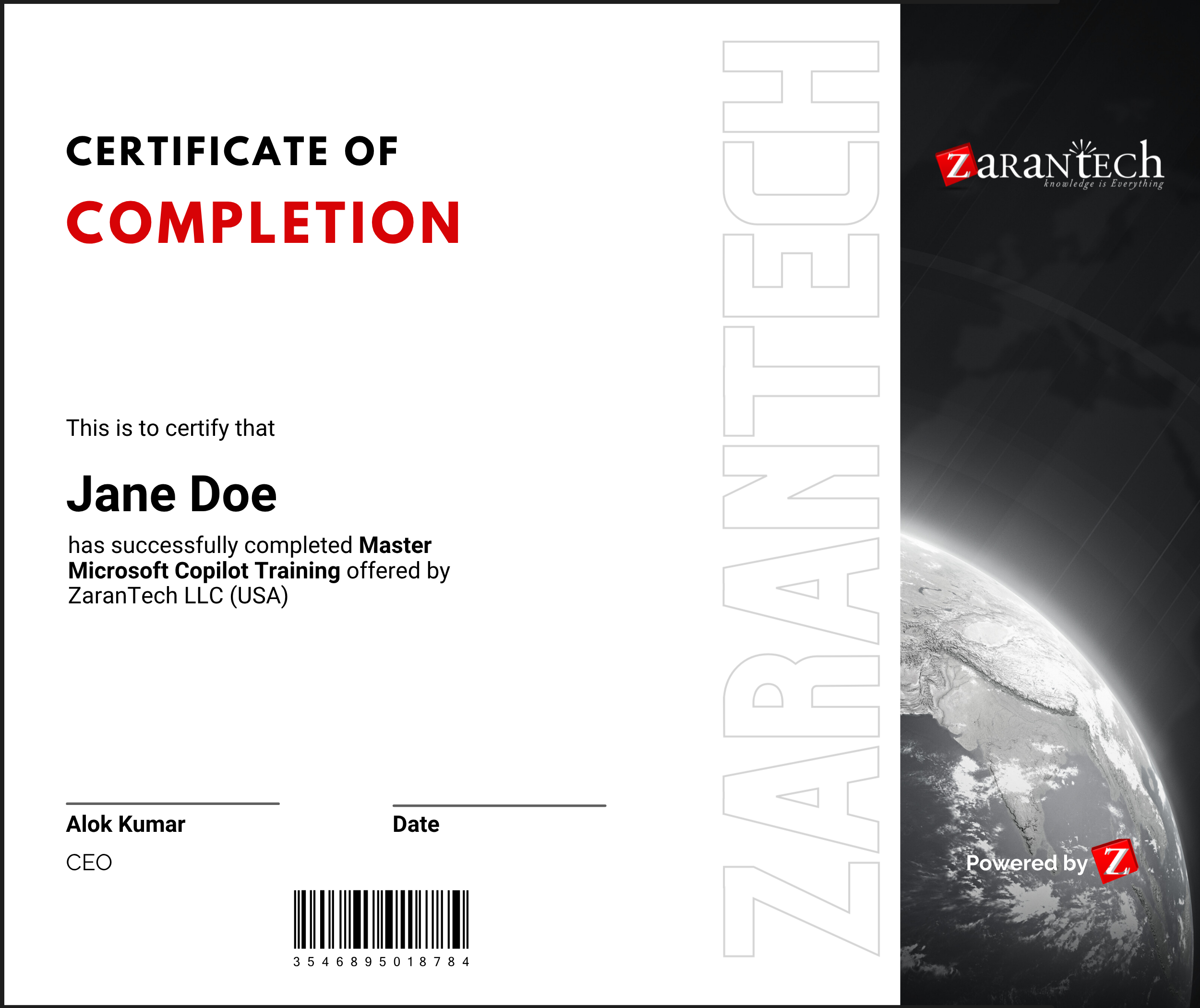
How will I get my course completion certificate?
Once you have successfully completed the training and the Final Quiz/Assessment, you can avail of your
Certificate of Completion from ZaranTech which you can then showcase on LinkedIn and other Social Media portals
Do you provide Instructor-led Live training for Individuals?Yes, we do. Email us at info@zarantech.com and we will send you all the details
How we deliver Live training (video) - https://bit.ly/How-we-deliver-training
What if I am unhappy with the course?
We would never want you to be unhappy! If you are unsatisfied with your purchase, contact us in the first 7 days and we will give you a full refund.
What is your Refund Policy and Terms of Use?
To know more about canceling the enrollment, refund, and rescheduling policy, visit:
Refund and Rescheduling Policy – https://www.zarantech.com/Refund-policy/
Terms of Service – https://www.zarantech.com/terms-of-use/
What other Resources do you provide?
YouTube (Free Videos) - https://www.youtube.com/@zarantechdotcom