Course Introduction
Watch this video to checkout the details and the benefits you get from this training.
Start Your Career with Microsoft 365 Copilot Made Easy
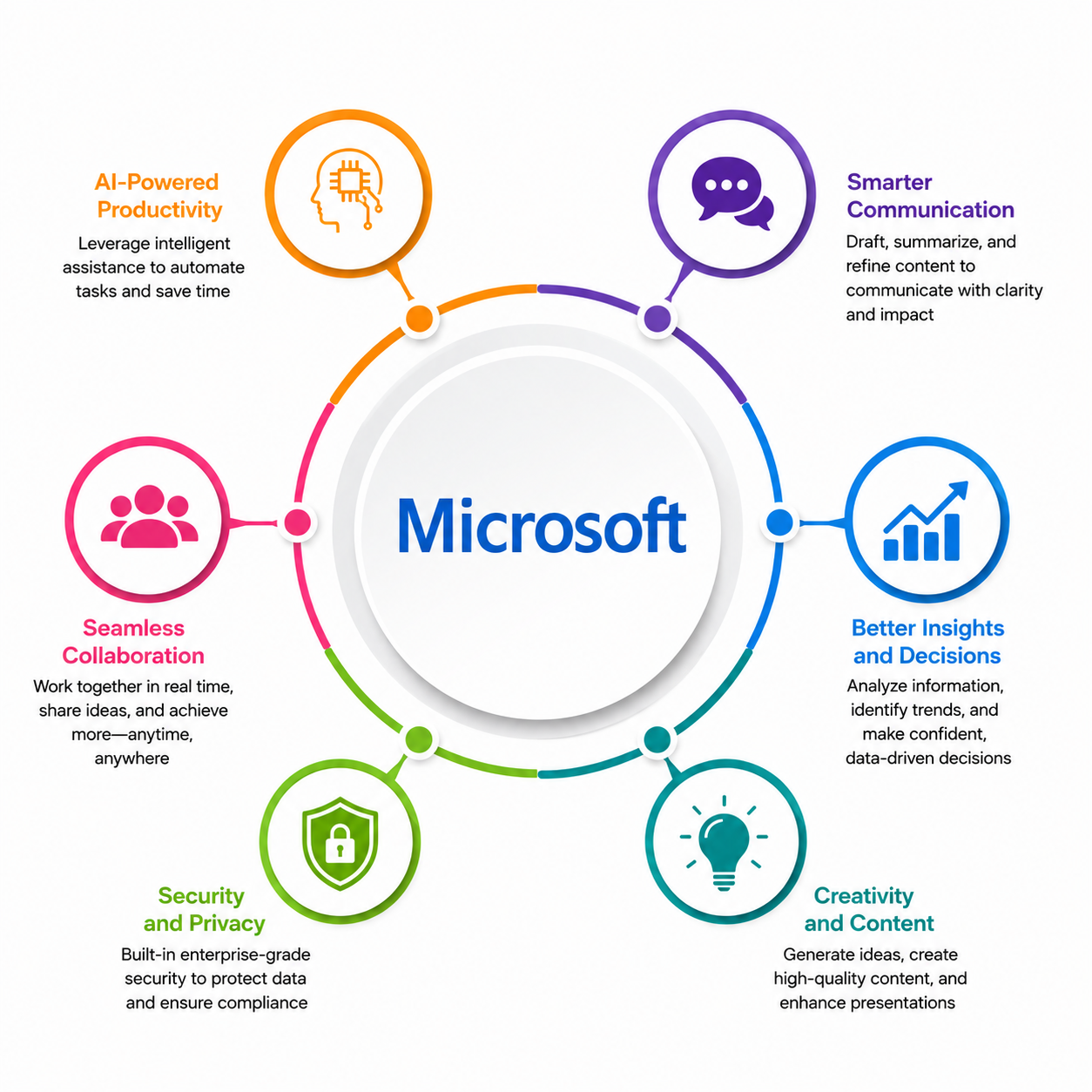
This course teaches how to use Microsoft 365 Copilot to improve everyday work across Word, Excel, PowerPoint, Outlook, and Teams. You will learn how to write better prompts, create documents, analyze data, build presentations, summarize emails and meetings, and collaborate more efficiently. The course also covers responsible AI practices and real-world productivity scenarios, making it ideal for beginners.
By completing this course, you will be able to learn:
- Understand Microsoft 365 Copilot and write effective prompts for different tasks
- Create, edit, and summarize documents using Copilot in Word
- Analyze data, generate insights, and create charts with Copilot in Excel
- Build and refine presentations quickly using Copilot in PowerPoint
- Draft emails, summarize conversations, and manage meetings with Copilot in Outlook and Teams
- Use Copilot Chat to combine information across Microsoft 365 apps
- Apply responsible AI, privacy, and best practices while using Copilot
-
Complete end-to-end business tasks using Microsoft 365 Copilot across multiple applications
Course Curriculum
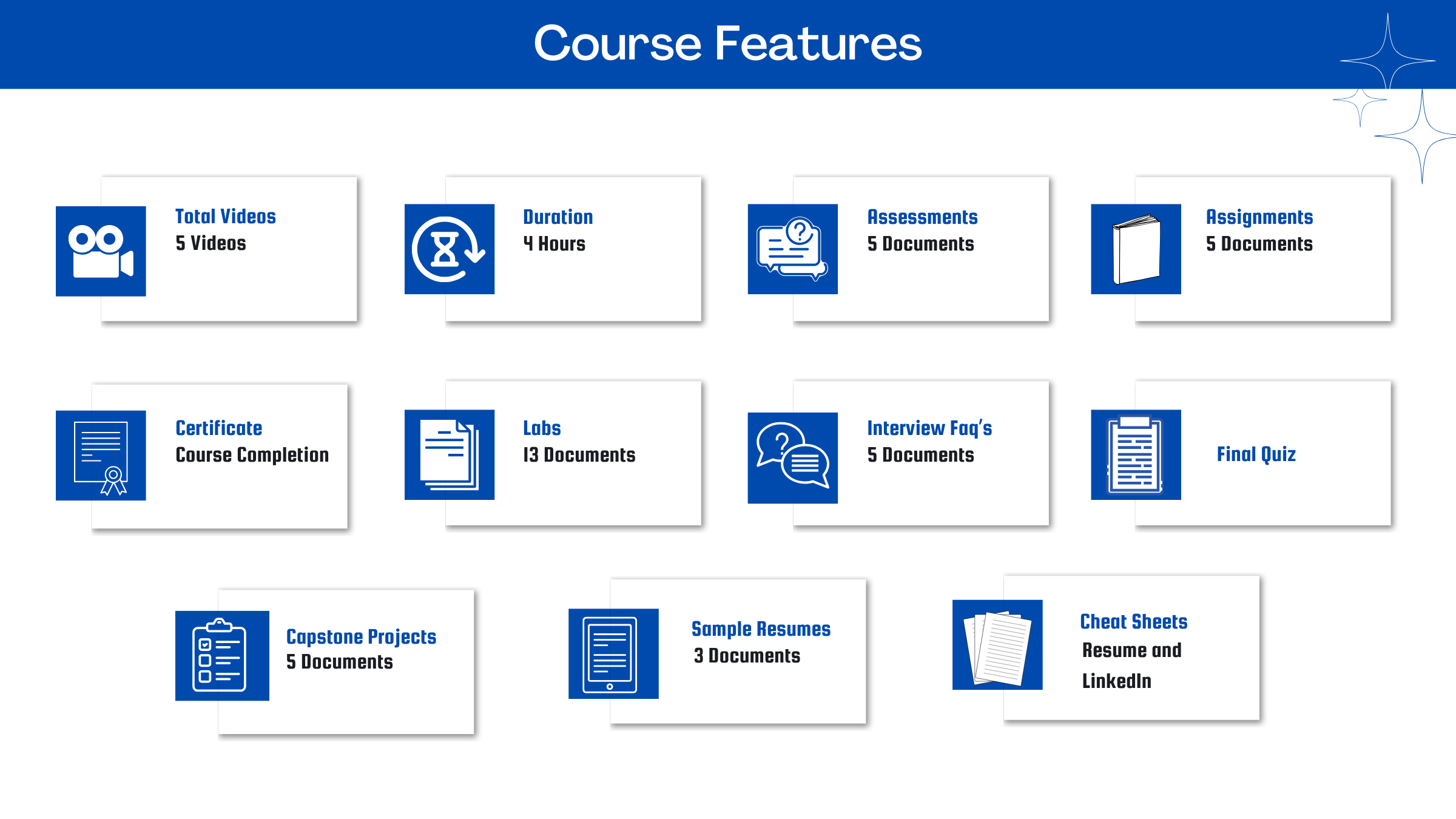
- Assessment - 1. Copilot Fundamentals and Prompting Essentials
- Assessment - 2. Copilot in Word - Drafting and Refining Documents
- Assessment - 3. Copilot in Excel - Analyzing and Explaining Data
- Assessment - 4. Copilot in PowerPoint - Presentations in Minutes
- Assessment - 5. Copilot in Outlook & Teams - Communication and Collaboration
- Assignment - 1. Copilot Fundamentals and Prompting Essentials
- Assignment - 2. Copilot in Word - Drafting and Refining Documents
- Assignment - 3. Copilot in Excel - Analyzing and Explaining Data
- Assignment - 4. Copilot in PowerPoint - Presentations in Minutes
- Assignment - 5. Copilot in Outlook & Teams - Communication and Collaboration
- Lab Activity - 1. Open a Sample Requirements Document and Launch Copilot in Word
- Lab Activity - 2. Draft a One-Page Proposal and Refine It for a Different Audience
- Lab Activity - 3. Rewrite One Section in Three Tones and Choose the Best Fit
- Lab Activity - 4. Open a Sample Sales Dataset and Turn On Copilot in Excel
- Lab Activity - 5. Ask Copilot Three Questions About a Dataset and Capture the Answers in a Summary Sheet
- Lab Activity - 6. Create and Insert a Month-over-Month Revenue Chart into a Dashboard Sheet
- Lab Activity - 7. Create a First-Draft PowerPoint Presentation from a Word Report Using Microsoft 365 Copilot
- Lab Activity - 8. Refine Three PowerPoint Slides with Microsoft 365 Copilot
- Lab Activity - 9. Create an Executive 5-Slide Summary from an Existing Deck Using Copilot in PowerPoints
- Lab Activity - 10. Summarize a Mail Thread and Draft a Reply with Copilot in Outlook_
- Lab Activity - 11. Rewrite an email in two tones and generate a meeting invite with agenda points_
- Lab Activity - 12. Generate a Meeting Recap and Action Items from a Sample Transcript_
- Lab Activity - 13. Create a Project Brief in Copilot Chat Using Word, Excel, and Meeting Notes_
- Capstone Project - 1. AI‑Powered Project Management Workspace
- Capstone Project - 2. Executive Productivity Command Center
- Capstone Project - 3. Knowledge Hub & SOP Automation with Copilot
- Capstone Project - 4. Marketing Content Factory with Copilot
- Capstone Project - 5. Sales & Account Management Copilot Hub

Meet Your Instructor
Experience and Expertise: Over 3 years of consulting experience and 5+ years of teaching experience in business strategy, Generative AI, data analytics, and digital transformation. Strong expertise in AI-powered workplace productivity, business intelligence, automation, and helping professionals improve decision-making using Microsoft 365 Copilot and modern AI tools.
Global Training Experience: Delivered training, mentoring, and consulting programs for professionals, students, and corporate teams, enabling them to effectively use Microsoft 365 Copilot, Generative AI, data analytics, and productivity tools to streamline workflows and enhance business performance.
Corporate Clientele: Worked with leading organizations including Deloitte, Capgemini Invent, Infosys, Reliance Jio, and Gartner, contributing to business strategy, analytics, AI adoption, market research, and enterprise digital transformation initiatives.
Certifications: Product Management - Great Learning; IBM Customer Engagement Specialist - Coursera.
Diverse Technical Skills: Proficient in Microsoft 365 Copilot, Generative AI, Prompt Engineering, Excel, PowerPoint, Power BI, ARIS, Signavio, Bizzdesign, LinkedIn Sales Navigator, Figma, and data visualization and business analytics tools.
Training Methodology: Uses a hands-on, scenario-based approach with live demonstrations, practical business use cases, and interactive exercises to help learners confidently apply Microsoft 365 Copilot for content creation, data analysis, presentations, communication, and daily productivity.
Project Leadership: Led analytics, AI-enabled research, dashboard development, business strategy, and workflow optimization initiatives, delivering data-driven insights and automation solutions that improved operational efficiency and supported better business decision-making.
Got Questions?
Frequently Asked Questions
When does the course start and finish?
The course is entirely self-paced. You decide when you start and when you finish.
How long do I have access to the course?
That depends on the type of Subscription you bought - Monthly or Yearly. After enrolling, you have unlimited access to this course and materials across any devices you own.
What do I get after I signup?
After you signup and make the payment, you will have full access to the course which includes,
1. Session Videos (these videos are from actual live sessions from the past)
2. Assignments
3. Assessments
4. Lab documents
5. Other pdfs (configuration documents, eBooks, pdfs, interview and certification FAQs)
How do I get access to practice on the Server?
Reach out to your Support team and send an email to support@zarantech.com and they will send you the details and the monthly cost for the Server (if available)
Are the videos or materials downloadable?
No, they are not. But you have unlimited access to view them from any device and on this platform depending on your Subscription type. Everything on this platform is the intellectual property of ZaranTech
How soon after I enroll and make payment would get access to the course?Immediately
What if I have doubts, whom do I ask?
These are pre-recorded videos from the actual Live Training program. Most of the doubts were cleared in the session videos itself. But if you still have any questions, please raise a ticket, and our support team will help you https://zarantech.zohodesk.in/portal/en/newticket
What if I have an issue accessing the course?
You can Raise a ticket by clicking the link below and selecting the appropriate ticket - https://zarantech.zohodesk.in/portal/en/newticket
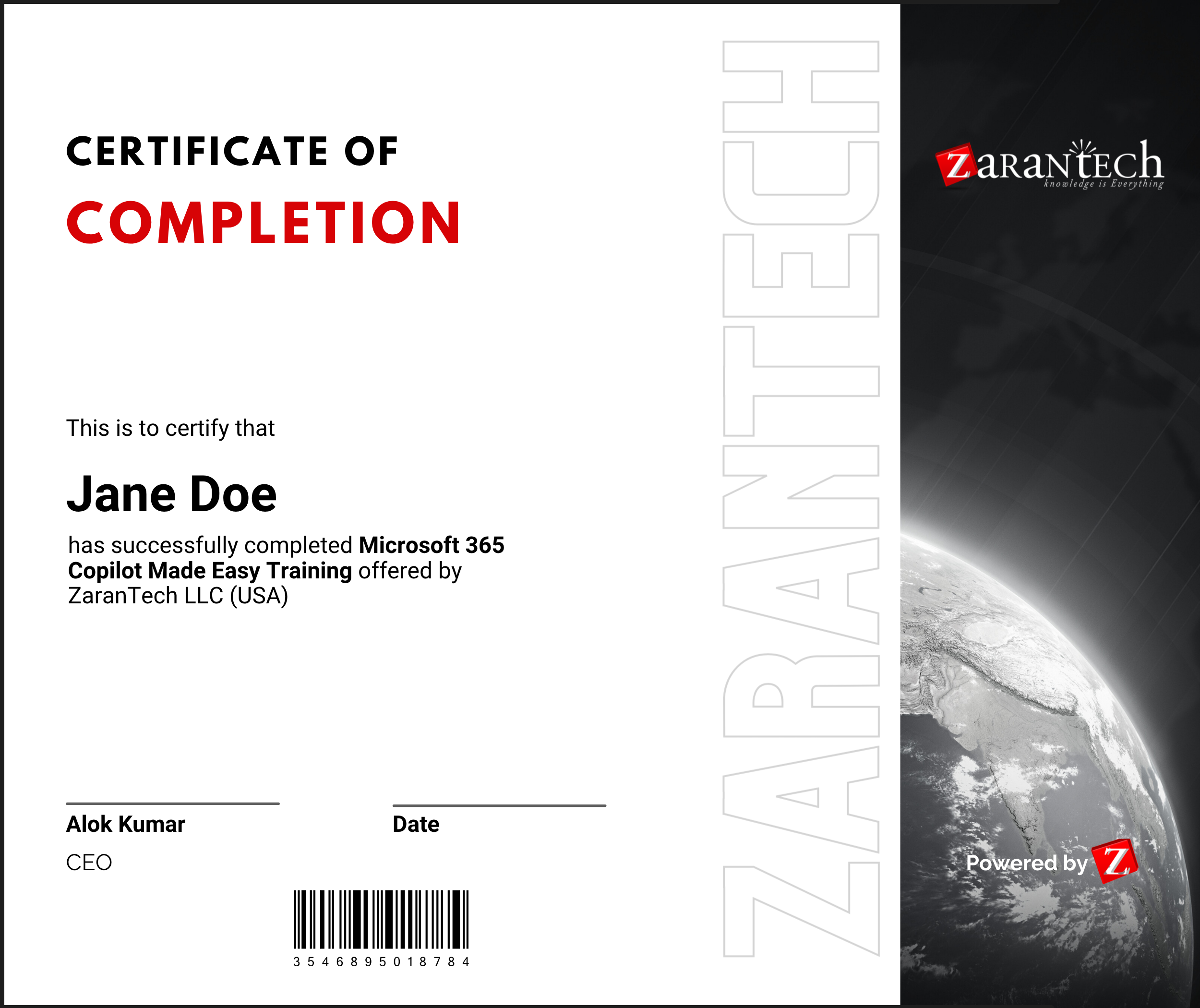
How will I get my course completion certificate?
Once you have successfully completed the training and the Final Quiz/Assessment, you can avail of your
Certificate of Completion from ZaranTech which you can then showcase on LinkedIn and other Social Media portals
Do you provide Instructor-led Live training for Individuals?
Yes, we do. Email us at info@zarantech.com and we will send you all the details
How we deliver Live training (video) - https://bit.ly/How-we-deliver-training
What if I am unhappy with the course?
We would never want you to be unhappy! If you are unsatisfied with your purchase, contact us in the first 7 days and we will give you a full refund.
What is your Refund Policy and Terms of Use?
To know more about canceling the enrollment, refund, and rescheduling policy, visit:
Refund and Rescheduling Policy – https://www.zarantech.com/Refund-policy/
Terms of Service – https://www.zarantech.com/terms-of-use/
What other Resources do you provide?
YouTube (Free Videos) - https://www.youtube.com/@zarantechdotcom
LinkedIn (Free materials) - https://www.linkedin.com/showcase/sap-learner-community/
Quora (Ask any Questions) - https://saplearnercommunity.quora.com/