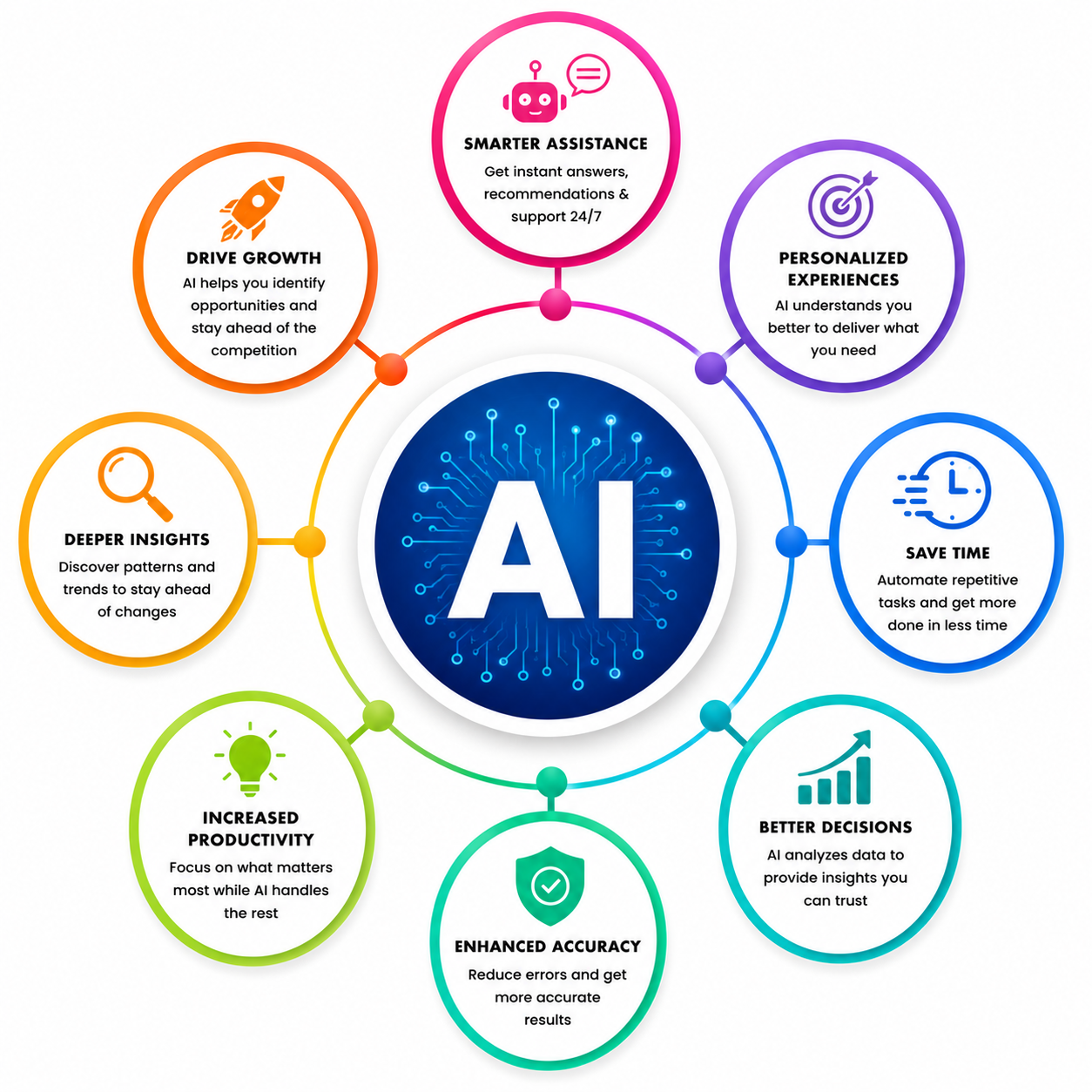
Start Your career in Claude Agents and Automation for Developers
This course introduces you to building AI-powered Claude agents that can perform tasks, use tools, work with files, and automate development workflows. You will learn the basics of agent design, prompt engineering, SDKs, tool integration, workflow automation, and best practices through simple hands-on exercises and mini projects. By the end of the course, you will be able to create practical Claude agents that can assist with coding, file operations, automation tasks, and software development workflows.
By completing this course, you will be able to:
- Understand what Claude agents are and how they differ from simple AI prompts.
- Learn how AI agents think, make decisions, and complete tasks step by step.
- Set up and use the Claude developer environment and API.
- Create effective prompts that help agents perform tasks accurately.
- Understand common agent workflows for solving development problems.
- Build Claude agents using Python or JavaScript SDKs.
- Enable agents to work with files, tools, and external APIs.
- Create agents that can read files, summarize information, and suggest code changes.
- Build multi-step agents that can plan, implement, and review their own work.
- Connect Claude agents with external systems and automate repetitive developer tasks.
- Learn how to monitor agent performance, improve quality, and manage costs.
- Apply safety practices while building AI-powered applications.
-
Design and build a simple automation agent as a final hands-on project using the Claude SDK and tools.
Course Curriculum
- Lab Activity - 1. Claude Environment Setup and Single-Turn vs Agentic Workflow Demo
- Lab Activity - 2. Set Up a Starter Claude API Client and Run a Test Request
- Lab Activity - 3. Design and Test a Code Review Assistant Agent in Claude UI and API
- Lab Activity - 4. Build a Basic ReAct Loop to Add Logging to a Python Module
- Lab Activity - 5. Build and Run a File Summarizer Agent with the Claude SDK
- Lab Activity - 6. Add Tools to a Claude Agent and Build an “Explain This Module” Workflow
- Lab Activity - 7. Build a Feature Builder Agent with Claude Agent SDK
- Lab Activity - 8. Build an HTTP Integration That Reads Open Issues and Proposes a Prioritized Fix Plan
- Lab Activity - 9. Build a Refactoring Report Bot with Claude Agents and CLI Automation
- Lab Activity - 10. Sketch an AI Agent Architecture for a Real Workflow
- Lab Activity - 11. Build a Mini Evaluation Harness for a Code Review Assistant
- Lab Activity - 12. Add Basic Telemetry to the Feature Builder Agent and Compare Prompt Cost vs Performance
- Lab Activity - 13. Build an HTTP Integration That Reads Open Issues and Proposes a Prioritized Fix Plan
- Lab Activity - 14. Build a Refactoring Report Bot with Claude Agents and CLI Automation
- Lab Activity - 15. Sketch an AI Agent Architecture for a Real Workflow
- Lab Activity - 16. Build a Mini Evaluation Harness for a Code Review Assistant
- Lab Activity - 17. Add Basic Telemetry to the Feature Builder Agent and Compare Prompt Cost vs Performance
- Capstone Project - 1. Autonomous Customer Support Triage & Multi-Tool Resolution Agent
- Capstone Project - 2. Autonomous Legal Contract Review & Clause Compliance Auditor
- Capstone Project - 3. Autonomous Multi-Agent CICD Failure Triage & Self-Healing Pipeline
- Capstone Project - 4. Autonomous Web Research, Competitive Intelligence & Briefing Agent
- Capstone Project - 5. Enterprise Model Context Protocol (MCP) Secure Database Gateway & BI Agent

Meet Your Instructor
Experience and Expertise: Over 8 years of experience in AI/ML, Generative AI, Agentic AI, MLOps, and cloud platforms, specializing in Claude AI, RAG, LLMOps, Azure AI, and enterprise AI application development.
Global Training Experience: Delivered instructor-led corporate training, certification programs, and hands-on workshops on Claude AI, Agentic AI, Generative AI, RAG, MLOps, LLMOps, and Azure AI for enterprise teams and working professionals.
Corporate Clientele: Worked with organizations across consulting, banking, retail, and enterprise sectors, delivering AI, machine learning, and cloud transformation solutions.
Certifications: Databricks Certified Generative AI Engineer; Microsoft Azure AI Engineer Associate (AI-102); Microsoft Azure AI Fundamentals (AI-900); Microsoft Azure DevOps Engineer Expert (AZ-400).
Diverse Technical Skills: Proficient in Claude AI, Agentic AI, Generative AI, RAG, LangGraph, MLOps, LLMOps, Azure AI, MLflow, DVC, Prompt Engineering, FastAPI, and NLP.
Training Methodology: Uses a hands-on, project-based approach with live architecture walkthroughs, guided labs, real-world enterprise scenarios, and production-ready AI implementation techniques.
Project Leadership: Led enterprise AI, MLOps, and Generative AI initiatives, building scalable AI solutions, deployment pipelines, and production-ready applications for real-world business use cases.
Got Questions?
Frequently Asked Questions
When does the course start and finish?
The course is entirely self-paced. You decide when you start and when you finish.
How long do I have access to the course?
That depends on the type of Subscription you bought - Monthly or Yearly. After enrolling, you have unlimited access to this course and materials across any devices you own.
What do I get after I signup?
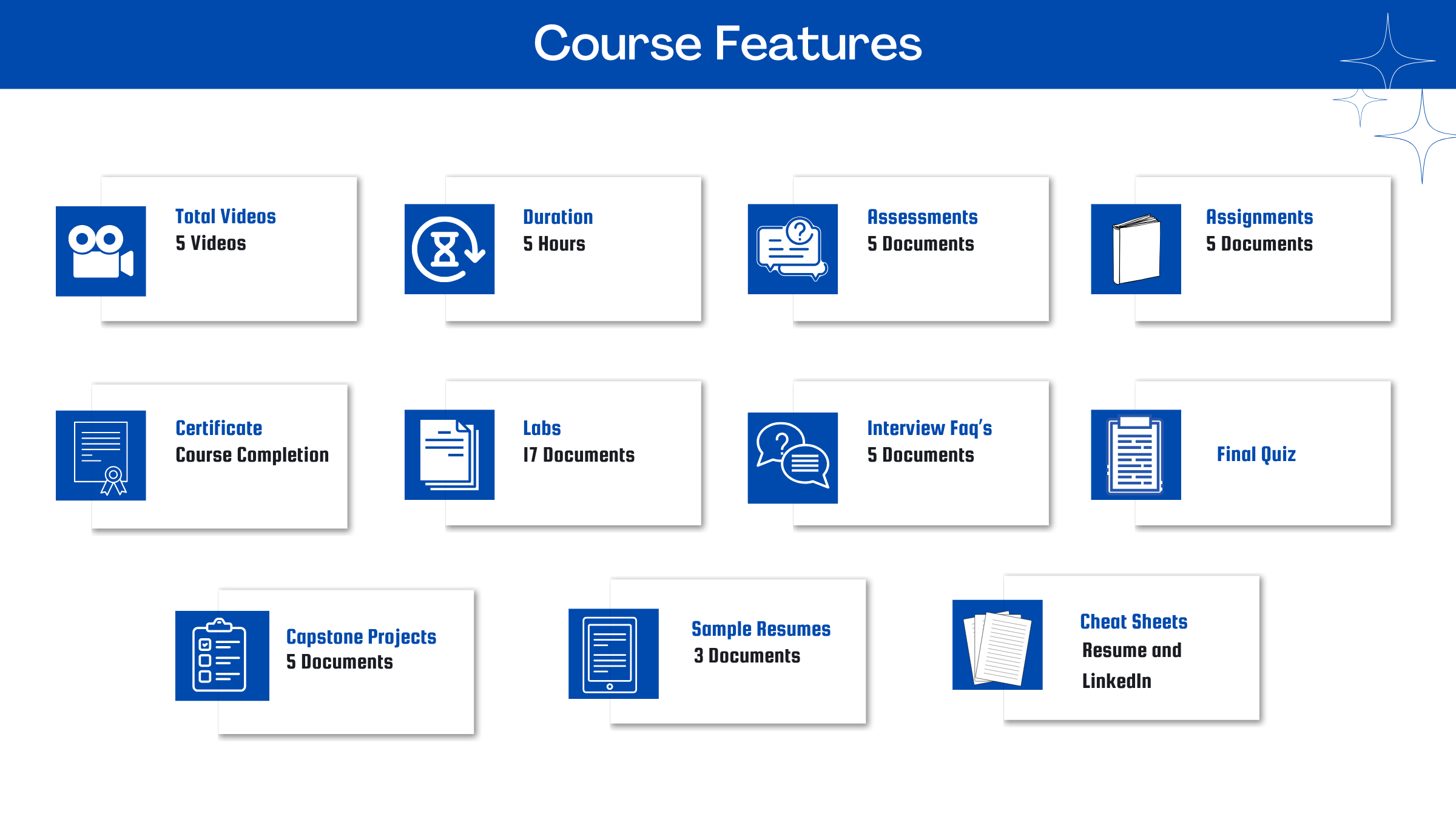
After you signup and make the payment, you will have full access to the course which includes,
1. Session Videos (these videos are from actual live sessions from the past)
2. Assignments
3. Assessments
4. Lab documents
5. Other pdfs (configuration documents, eBooks, pdfs, interview and certification FAQs)
How do I get access to practice on the Server?
Reach out to your Support team and send an email to support@zarantech.com and they will send you the details and the monthly cost for the Server (if available)
Are the videos or materials downloadable?
No, they are not. But you have unlimited access to view them from any device and on this platform depending on your Subscription type. Everything on this platform is the intellectual property of ZaranTech
How soon after I enroll and make payment would get access to the course?
Immediately
What if I have doubts, whom do I ask?
These are pre-recorded videos from the actual Live Training program. Most of the doubts were cleared in the session videos itself. But if you still have any questions, please raise a ticket, and our support team will help you https://zarantech.zohodesk.in/portal/en/newticket
What if I have an issue accessing the course?
You can Raise a ticket by clicking the link below and selecting the appropriate ticket - https://zarantech.zohodesk.in/portal/en/newticket
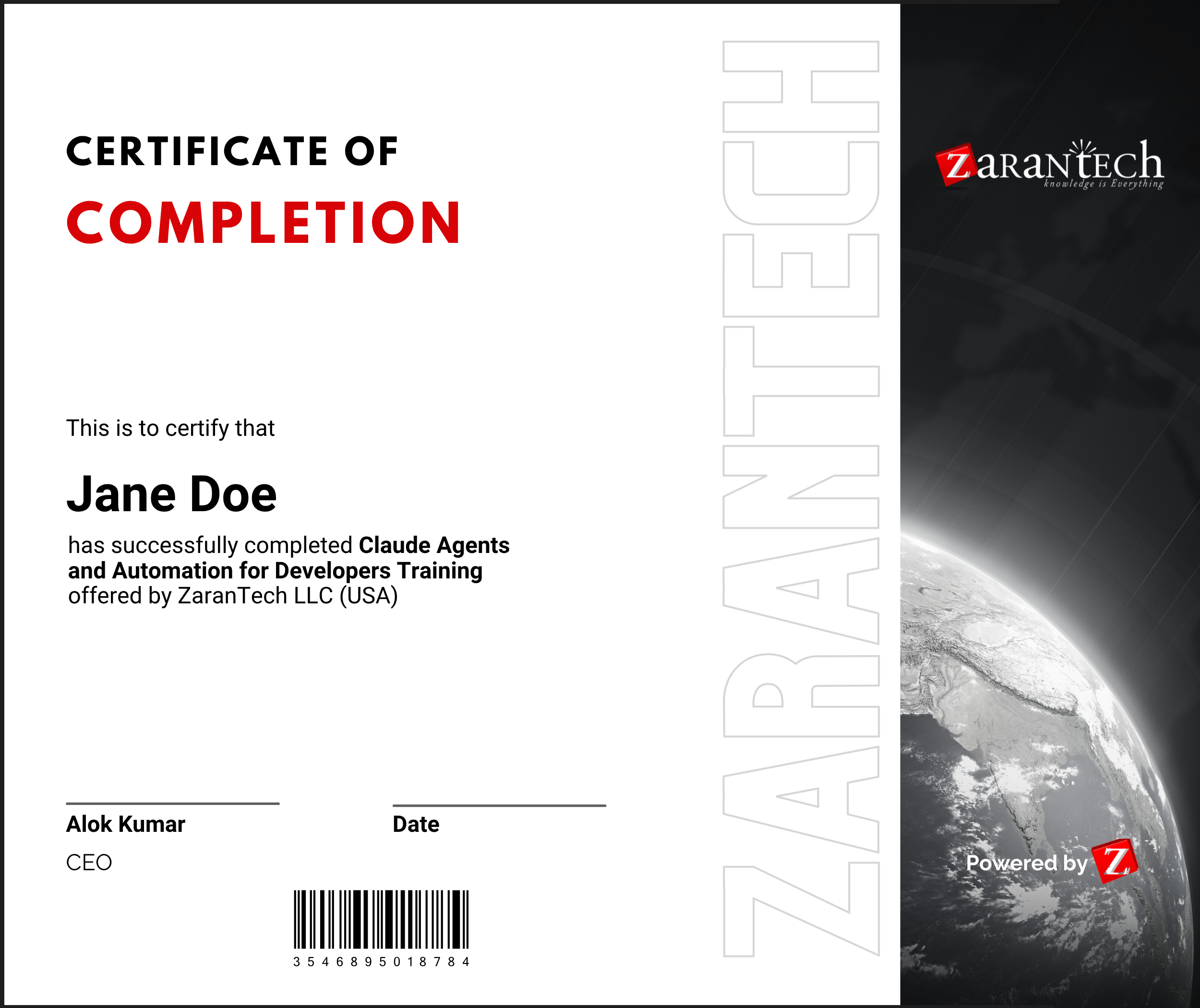
How will I get my course completion certificate?
Once you have successfully completed the training and the Final Quiz/Assessment, you can avail of your
Certificate of Completion from ZaranTech which you can then showcase on LinkedIn and other Social Media portals
Do you provide Instructor-led Live training for Individuals?
Yes, we do. Email us at info@zarantech.com and we will send you all the details
How we deliver Live training (video) - https://bit.ly/How-we-deliver-training
Do you provide Corporate/group training?
Yes, we do. We have trained more than 200 Data Science customers with over 4000 participants in the USA, Canada, Europe, Asia, and South America. We offer corporate training for all SAP modules.
What if I am unhappy with the course?
We would never want you to be unhappy! If you are unsatisfied with your purchase, contact us in the first 7 days and we will give you a full refund.
What is your Refund Policy and Terms of Use?
To know more about canceling the enrollment, refund, and rescheduling policy, visit:
Refund and Rescheduling Policy – https://www.zarantech.com/Refund-policy/
Terms of Service – https://www.zarantech.com/terms-of-use/
What other Resources do you provide?
YouTube (Free Videos) - https://www.youtube.com/@zarantechdotcom
LinkedIn (Free materials) - https://www.linkedin.com/showcase/sap-learner-community/