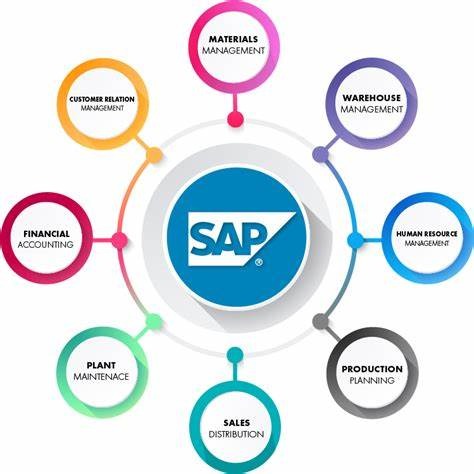
Start Your Career in Exploring SAP Analytics Cloud
This course introduces SAP Analytics Cloud (SAC) and teaches how to analyze data, build models, create reports and stories, perform planning, and collaborate with teams. You will learn how to connect data sources, use Data Analyzer, create dashboards, explore augmented analytics, and work with planning and collaboration features. It is designed for beginners who want to learn SAP Analytics Cloud from the ground up.
By completing this course, you will be able to learn:
- Understand SAP Analytics Cloud and its core features and navigation
- Connect data sources and create insights using Data Analyzer
- Build and manage data models for business reporting and analysis
- Create interactive stories, dashboards, and scripted visualizations
- Use planning features and simulate business scenarios in SAP Analytics Cloud
- Explore augmented analytics and use AI-powered insight features like Just Ask
-
Collaborate with teams using discussions, comments, and calendar tasks
Course Curriculum
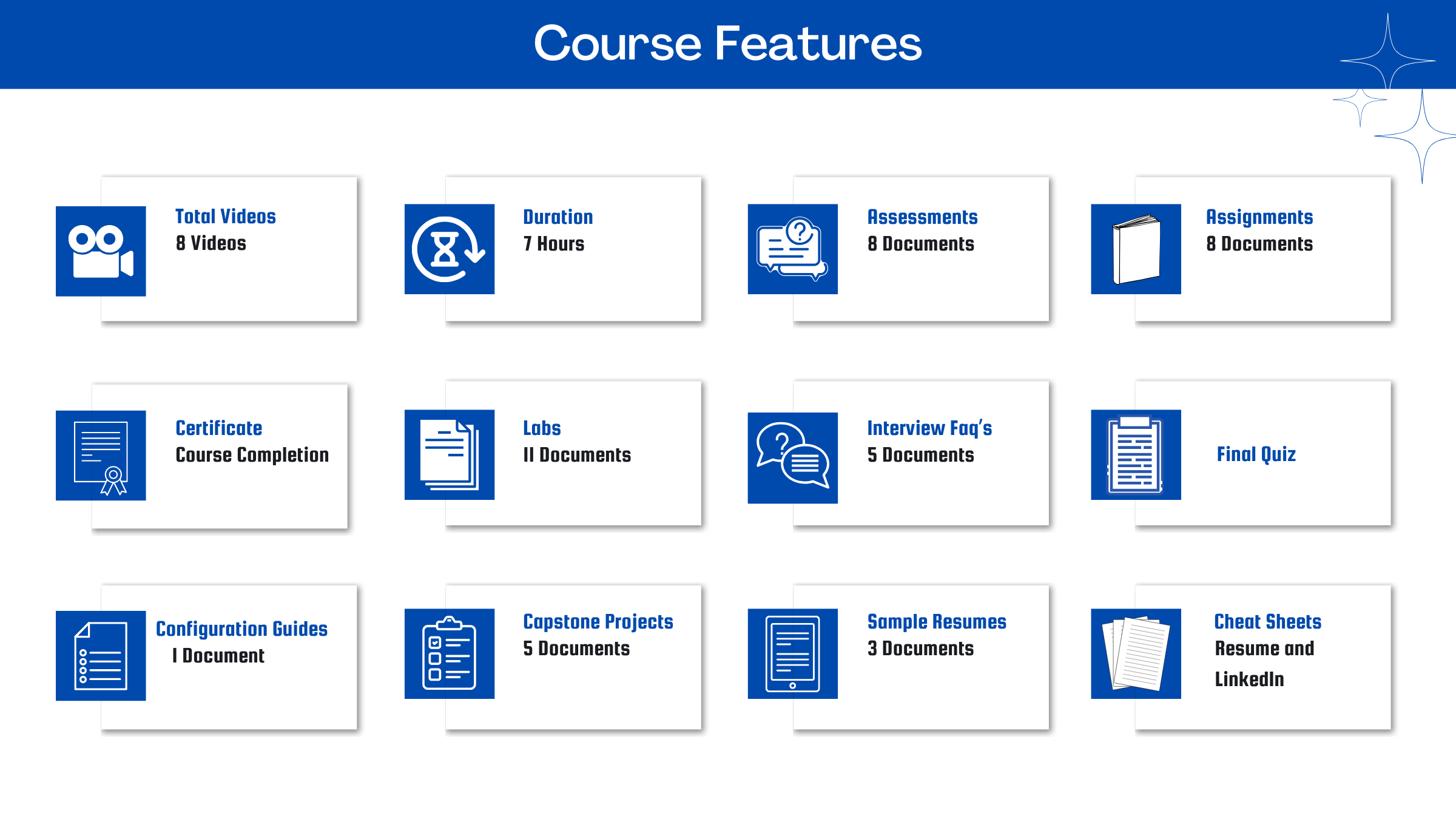
- Assessment - 1. Discovering Cloud Modularization with SAP Business Data Cloud
- Assessment - 2. Getting Started with SAP Analytics Cloud
- Assessment - 3. Establishing Data Sources and Connections
- Assessment - 4. Using Modeling
- Assessment - 5. Using Basic and Advanced Stories
- Assessment - 6. Using Planning
- Assessment - 7. Using Basic Augmented Analytics in SAP Analytics Cloud
- Assessment - 8. Using Collaboration Features
- Assignment - 1. Discovering Cloud Modularization With SAP Business Data Cloud
- Assignment - 2. Getting Started with SAP Analytics Cloud
- Assignment - 3. Establishing Data Sources and Connections
- Assignment - 4. Using Modeling
- Assignment - 5. Using Basic and Advanced Stories
- Assignment - 6. Using Planning
- Assignment - 7. Using Basic Augmented Analytics in SAP Analytics Cloud
- Assignment - 8. Using Collaboration Features
- Lab Activity - 1. Explore the SAP Analytics Cloud User Interface
- Lab Activity - 2. Share a Story and Remove Sharing Permissions
- Lab Activity - 3. Create a Data Analyzer Insight and Add Conditional Formatting and Calculated Measures
- Lab Activity - 4. Create a Live Model
- Lab Activity - 5. Use Basic SAP Analytics Cloud Story Navigation
- Lab Activity - 6. Create a Basic Story
- Lab Activity - 7. Build a Simple Scripted Story
- Lab Activity - 8. Perform Manual Input Planning
- Lab Activity - 9. Use the Just Ask Feature
- Lab Activity - 10. Provide Feedback Using Discussion and Comments
- Lab Activity - 11. Build a Calendar Task
- Capstone Project - 1. Advanced Analytic Application with Custom Widgets & Scripting
- Capstone Project - 2. Enterprise Financial Planning & Rolling Forecast Model in SAC
- Capstone Project - 3. Executive Sales Performance & Smart Insights Operational Story
- Capstone Project - 4. HR Workforce Diversity, Equity & Attrition Predictive Story
- Capstone Project - 5. S-4HANA Live Data Connection & Clean Core Procurement Analytics

Meet Your Instructor
Experience and Expertise: Around 8 years of experience in SAP and 5 years of expertise in SAP Analytics Cloud (SAC), specializing in reporting, dashboard development, analytics applications, data modeling, and business intelligence solutions.
Global Training Experience: Delivered hands-on training, client workshops, and knowledge transfer sessions on SAP Analytics Cloud, covering reporting, story design, planning models, analytics applications, data connections, and SAC administration.
Corporate Clientele: Worked with global organizations across healthcare, pharmaceutical, chemical manufacturing, automobile, and energy sectors, delivering SAP Analytics Cloud reporting and analytics solutions.
Certifications: Exploring SAP Analytics Cloud; Managing Performance in SAP Analytics Cloud; Introducing SAP Business Data Cloud; Creating and Working with Microsoft Excel Workbooks Using SAP Analytics Cloud.
Diverse Technical Skills: Proficient in SAP Analytics Cloud (SAC), SAP Business Data Cloud, SAP BW, SAP S/4HANA, Fiori, Analytics Applications, Story Design, Data Modeling, Responsive Dashboards, and SAC Administration.
Training Methodology: Uses a hands-on, scenario-based approach with live demonstrations, dashboard-building exercises, reporting use cases, and real-world business analytics scenarios.
Project Leadership: Delivered end-to-end SAP Analytics Cloud implementations, leading dashboard development, performance optimization, client workshops, user training, testing, and production support across multiple enterprise projects.
SAP Server Access Request
Reach out to us at support@zarantech.com if you need SAP server access after the course purchase
Got Questions?
Frequently Asked Questions
When does the course start and finish?
The course is entirely self-paced. You decide when you start and when you finish.
How long do I have access to the course?
That depends on the type of Subscription you bought - Monthly or Yearly. After enrolling, you have unlimited access to this course and materials across any devices you own.
What do I get after I signup?
After you signup and make the payment, you will have full access to the course which includes,
1. Session Videos (these videos are from actual live sessions from the past)
2. Assignments
3. Assessments
4. Lab documents
5. Other pdfs (configuration documents, eBooks, pdfs, interview and certification FAQs)
How do I get access to practice on the Server?
Reach out to your Support team and send an email to support@zarantech.com and they will send you the details and the monthly cost for the Server (if available)
Are the videos or materials downloadable?
No, they are not. But you have unlimited access to view them from any device and on this platform depending on your Subscription type. Everything on this platform is the intellectual property of ZaranTech
How soon after I enroll and make payment would get access to the course?
Immediately
What if I have doubts, whom do I ask?
These are pre-recorded videos from the actual Live Training program. Most of the doubts were cleared in the session videos itself. But if you still have any questions, please raise a ticket, and our support team will help you https://zarantech.zohodesk.in/portal/en/newticket
What if I have an issue accessing the course?
You can Raise a ticket by clicking the link below and selecting the appropriate ticket - https://zarantech.zohodesk.in/portal/en/newticket
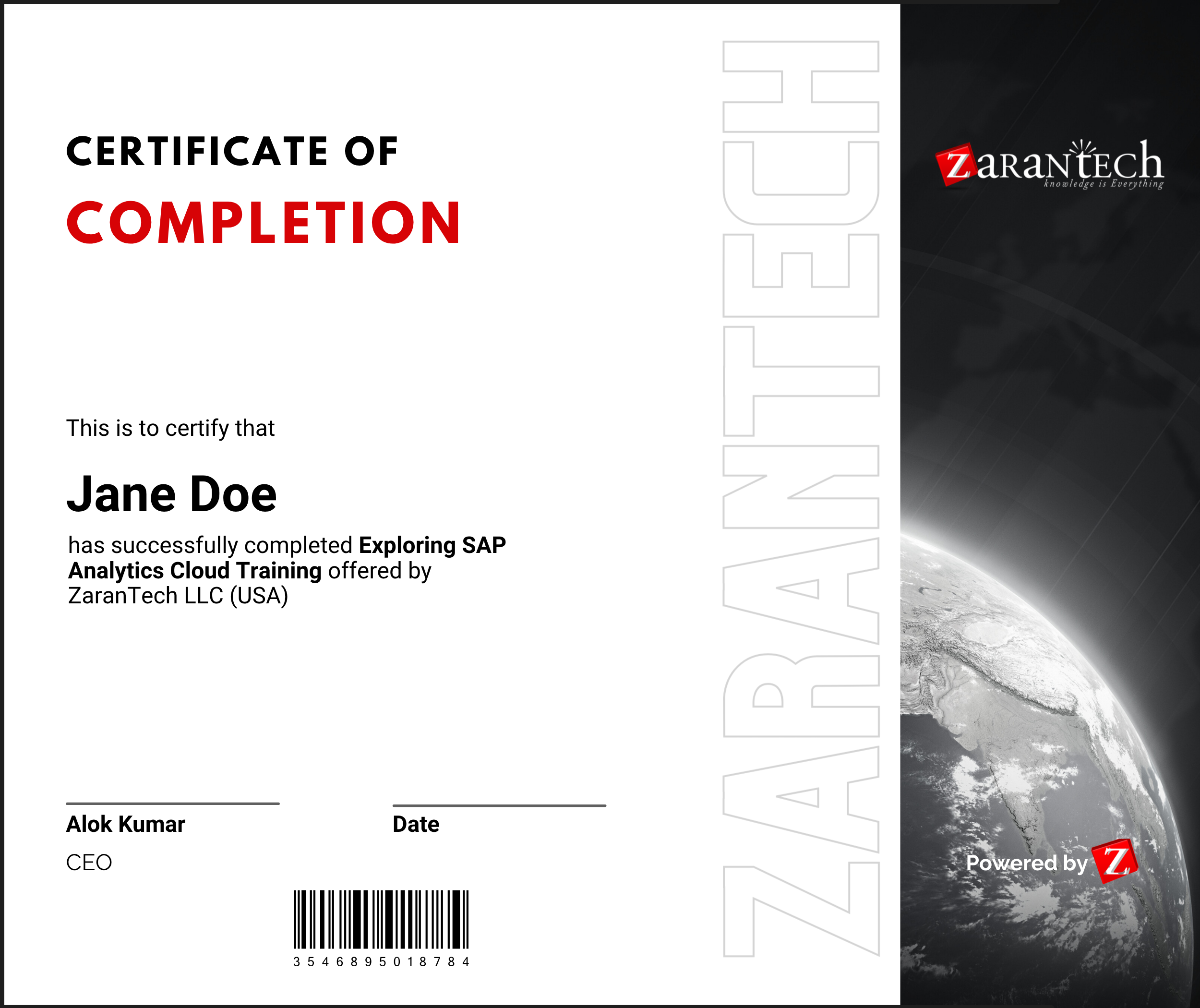
How will I get my course completion certificate?
Once you have successfully completed the training and the Final Quiz/Assessment, you can avail of your
Certificate of Completion from ZaranTech which you can then showcase on LinkedIn and other Social Media portals
Do you provide Instructor-led Live training for Individuals?
Yes, we do. Email us at info@zarantech.com and we will send you all the details
How we deliver Live training (video) - https://bit.ly/How-we-deliver-training
Do you provide Corporate/group training?
Yes, we do. We have trained more than 200 SAP customers with over 4000 participants in the USA, Canada, Europe, Asia, and South America. We offer corporate training for all SAP modules.
Course Catalog - https://bit.ly/SAP-course-catalog
How we Deliver Corporate Training (video) - https://bit.ly/sap-corp-training
How do I get certified in SAP?
SAP certification (https://training.sap.com/certification/) validates that you possess fundamental knowledge and verified skills.
List of Valid and soon to Expire SAP certifications - https://training.sap.com/certification/validity
What if I am unhappy with the course?
We would never want you to be unhappy! If you are unsatisfied with your purchase, contact us in the first 7 days and we will give you a full refund.
What is your Refund Policy and Terms of Use?
To know more about canceling the enrollment, refund, and rescheduling policy, visit:
Refund and Rescheduling Policy – https://www.zarantech.com/Refund-policy/
Terms of Service – https://www.zarantech.com/terms-of-use/
What other Resources do you provide?
YouTube (Free Videos) - https://www.youtube.com/@zarantechdotcom
LinkedIn (Free materials) - https://www.linkedin.com/showcase/sap-learner-community/
Quora (Ask any Questions) - https://saplearnercommunity.quora.com/