Course Introduction
Watch this video to checkout the details and the benefits you get from this training.
Start Your Career in Microsoft Copilot for Outlook Master Your Inbox
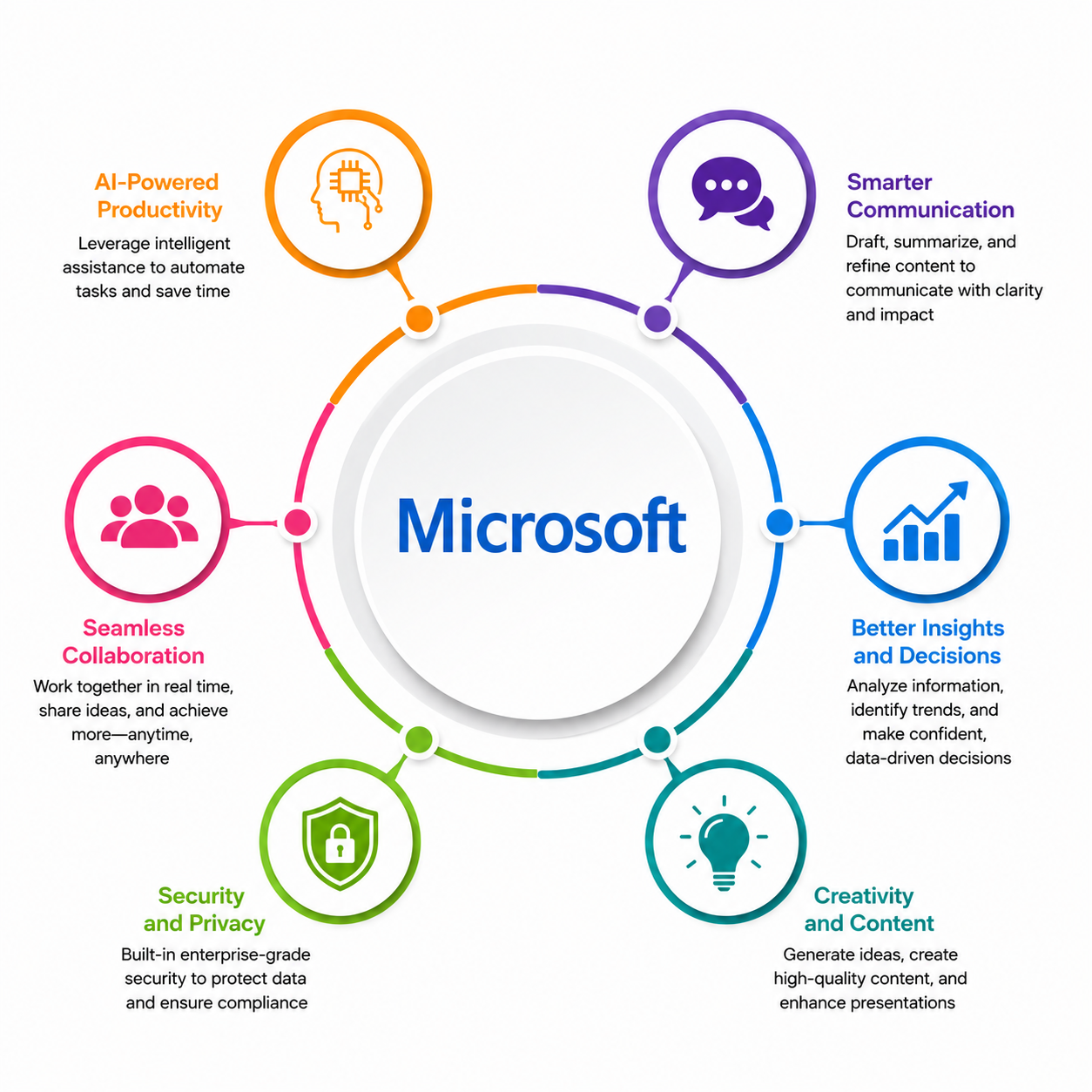
This course teaches how to use Microsoft Copilot in Outlook to organize your inbox, write better emails, manage meetings, and stay on top of daily tasks. You will learn how to summarize email threads, prioritize important messages, create reusable prompts, and improve communication using AI. The course also covers responsible AI practices and practical workflows to help you manage your inbox more efficiently.
By completing this course, you will be able to learn:
- Understand Microsoft Copilot in Outlook and write effective prompts for email tasks
- Organize and prioritize your inbox using AI-powered summaries and insights
- Draft, reply to, and refine professional emails with Copilot
- Extract action items, create meeting agendas, and manage follow-ups from email conversations
- Connect Outlook with other Microsoft 365 apps to improve collaboration and productivity
- Create reusable prompt templates for common email scenarios
- Apply responsible AI, privacy, and security best practices while using Copilot in Outlook
-
Build a daily Copilot-powered workflow to manage your inbox more efficiently
Course Curriculum
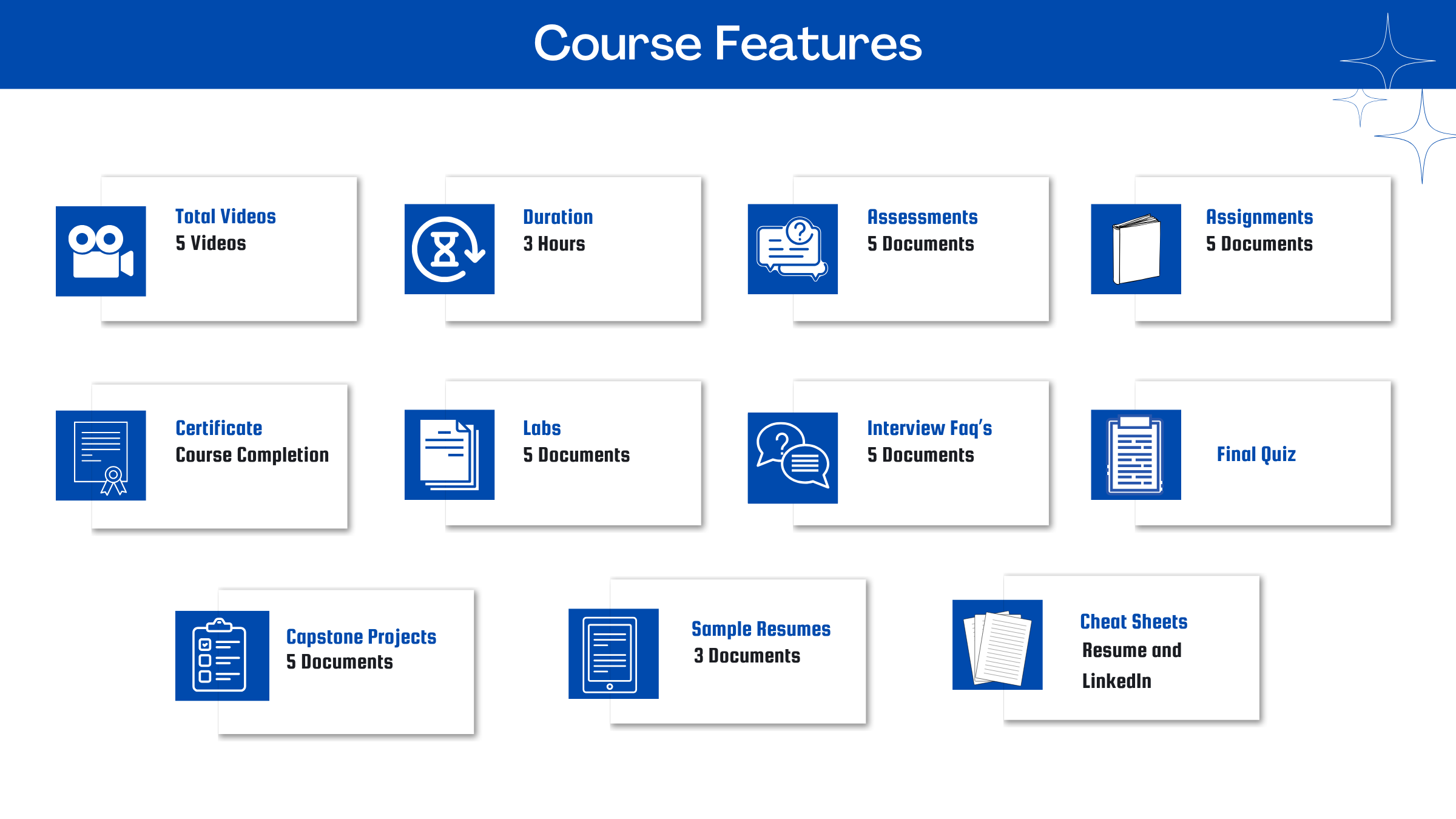
- Assessment - 1. Getting Started with Copilot in Outlook
- Assessment - 2. Organizing and Prioritizing Your Inbox with Copilot
- Assessment - 3. Drafting and Refining Emails with Copilot
- Assessment - 4. Managing Meetings, Tasks, and Follow-Ups with Copilot
- Assessment - 5. Advanced Prompting, Personalization, and Governance
- Assignment - 1. Getting Started with Copilot in Outlook
- Assignment - 2. Organizing and Prioritizing Your Inbox with Copilot
- Assignment - 3. Drafting and Refining Emails with Copilot
- Assignment - 4. Managing Meetings, Tasks, and Follow-Ups with Copilot
- Assignment - 5. Advanced Prompting, Personalization, and Governance
- Capstone Project - 1. Copilot-Integrated Meetings & Follow-Up Workflow
- Capstone Project - 2. Smart Reply & Email Template Automation System
- Capstone Project - 3. Thread Summarization & Decision Tracking Hub
- Capstone Project - 4. Catch-Up After Leave Copilot Email Digest Project
- Capstone Project - 5. Copilot-Powered Inbox Triage & Priority System

Meet Your Instructor
Experience and Expertise: Over 9 years of experience in business analysis, Agile delivery, AI-enabled digital transformation, and workflow automation, with expertise in AI-powered productivity and collaboration tools.
Global Training Experience: Delivered AI workshops, product training, and business transformation sessions, helping professionals leverage Microsoft Copilot and AI tools to improve communication, collaboration, and productivity.
Corporate Clientele: Worked with Tata Consultancy Services and global clients across compliance, automotive, BFSI, and platform domains, supporting AI adoption and digital transformation initiatives.
Certifications: Google Build with AI - Keynote Speaker; Featured Data Scientist Recognition; Industry Expert in Machine Learning Applications.
Diverse Technical Skills: Proficient in Microsoft Copilot, Generative AI, Prompt Engineering, JIRA, Confluence, Power BI, Excel, API workflows, business analysis, and workflow automation.
Training Methodology: Uses a hands-on, scenario-based approach with practical business use cases, live demonstrations, and AI-driven productivity exercises to help learners master Microsoft Copilot for Outlook.
Project Leadership: Led AI-enabled business transformation and automation projects, improving workflow efficiency, collaboration, and stakeholder satisfaction through data-driven solutions.
Got Questions?
Frequently Asked Questions
When does the course start and finish?
The course is entirely self-paced. You decide when you start and when you finish.
How long do I have access to the course?
That depends on the type of Subscription you bought - Monthly or Yearly. After enrolling, you have unlimited access to this course and materials across any devices you own.
What do I get after I signup?
After you signup and make the payment, you will have full access to the course which includes,
1. Session Videos (these videos are from actual live sessions from the past)
2. Assignments
3. Assessments
4. Lab documents
5. Other pdfs (configuration documents, eBooks, pdfs, interview and certification FAQs)
How do I get access to practice on the Server?
Reach out to your Support team and send an email to support@zarantech.com and they will send you the details and the monthly cost for the Server (if available)
Are the videos or materials downloadable?
No, they are not. But you have unlimited access to view them from any device and on this platform depending on your Subscription type. Everything on this platform is the intellectual property of ZaranTech
How soon after I enroll and make payment would get access to the course?
Immediately
What if I have doubts, whom do I ask?
These are pre-recorded videos from the actual Live Training program. Most of the doubts were cleared in the session videos itself. But if you still have any questions, please raise a ticket, and our support team will help you https://zarantech.zohodesk.in/portal/en/newticket
What if I have an issue accessing the course?
You can Raise a ticket by clicking the link below and selecting the appropriate ticket - https://zarantech.zohodesk.in/portal/en/newticket
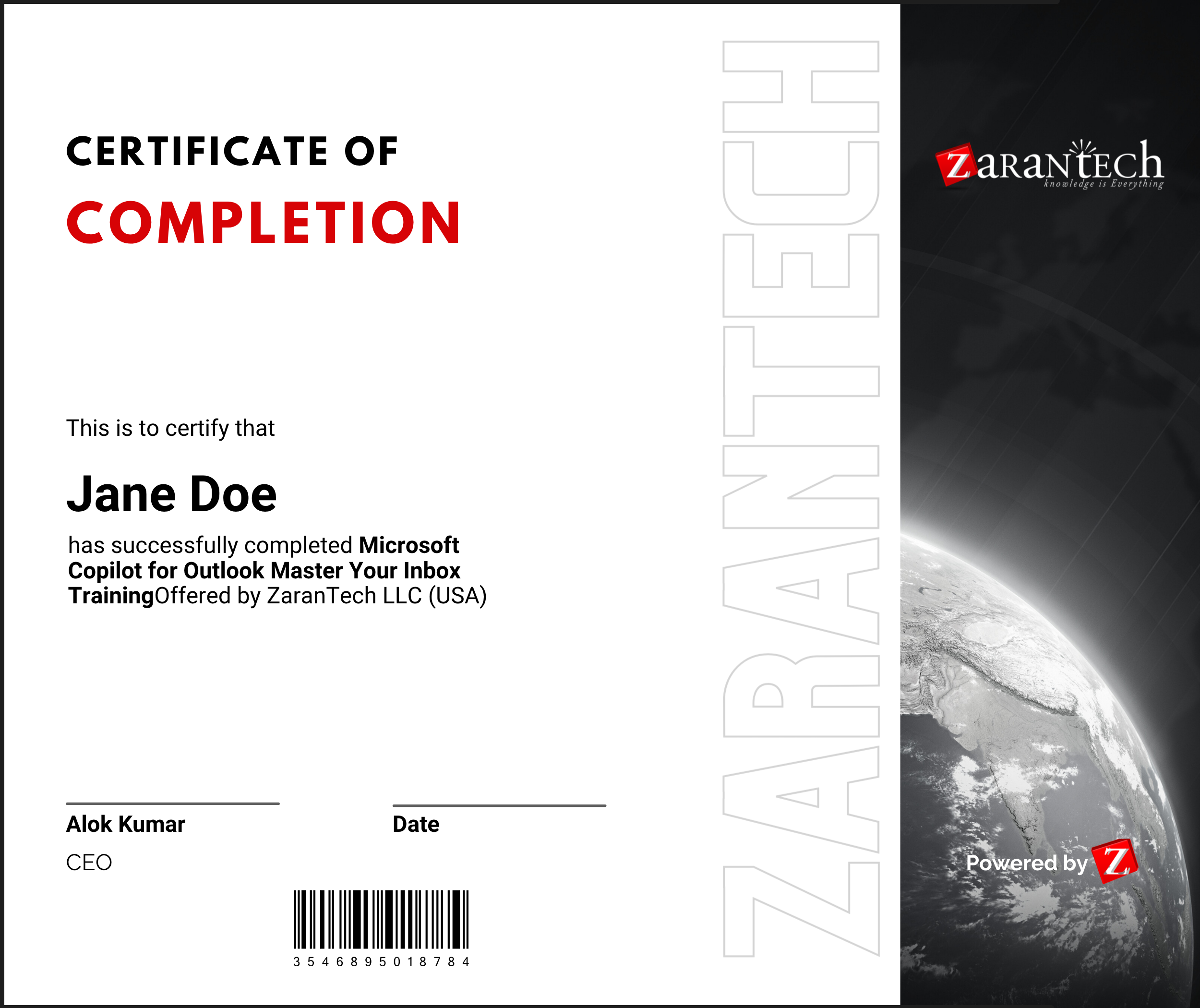
How will I get my course completion certificate?
Once you have successfully completed the training and the Final Quiz/Assessment, you can avail of your
Certificate of Completion from ZaranTech which you can then showcase on LinkedIn and other Social Media portals
Do you provide Instructor-led Live training for Individuals?
Yes, we do. Email us at info@zarantech.com and we will send you all the details
How we deliver Live training (video) - https://bit.ly/How-we-deliver-training
Do you provide Corporate/group training?
Yes, we do. We have trained more than 200 Data Science customers with over 4000 participants in the USA, Canada, Europe, Asia, and South America. We offer corporate training for all SAP modules.
What if I am unhappy with the course?
We would never want you to be unhappy! If you are unsatisfied with your purchase, contact us in the first 7 days and we will give you a full refund.
What is your Refund Policy and Terms of Use?
To know more about canceling the enrollment, refund, and rescheduling policy, visit:
Refund and Rescheduling Policy – https://www.zarantech.com/Refund-policy/
Terms of Service – https://www.zarantech.com/terms-of-use/
What other Resources do you provide?
YouTube (Free Videos) - https://www.youtube.com/@zarantechdotcom
LinkedIn (Free materials) - https://www.linkedin.com/showcase/sap-learner-community/